WhatCoin

Coin Identifier. Turn your phone into a professional numismatist.

App-Icon von WhatCoin

Überblick

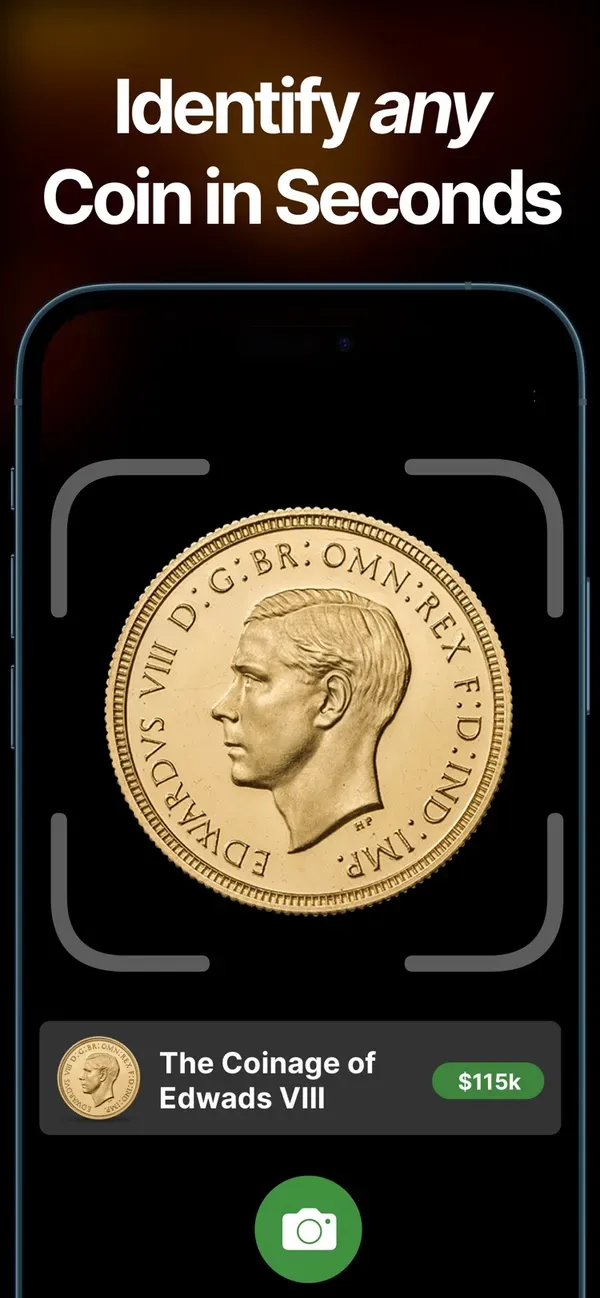
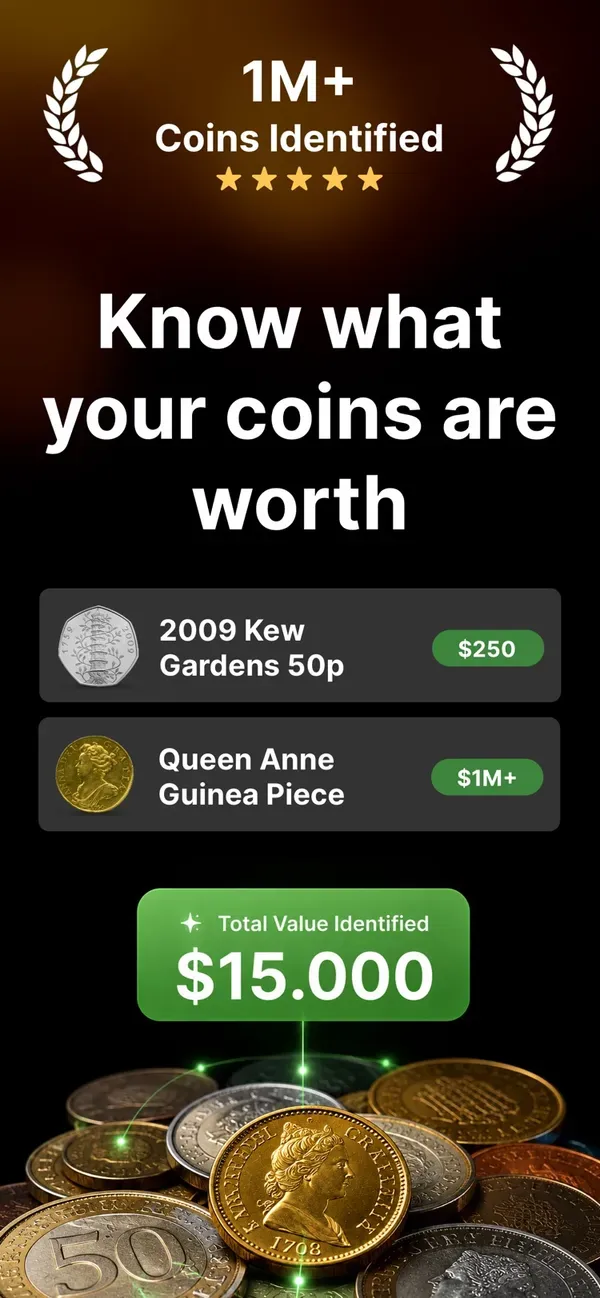
Ever wonder what that old coin in your pocket is worth? WhatCoin makes coin collecting effortless, accurate, and rewarding. Simply snap a photo to instantly identify, grade, and value your coins using the most comprehensive database of global currency.

Whether you are hunting for mint-error rarities, tracking market trends, or organizing your personal collection, WhatCoin provides the tools you need to succeed.

Why Choose WhatCoin?

  • Lightning-Fast AI: Identify coins from virtually every country, era, and metal in seconds.
  • Industry-Leading Accuracy: Our neural engine delivers precise identification, even for worn or damaged coins.
  • Global Database: Access details on more than 250,000 unique issues worldwide.
  • All-in-One Utility: Seamlessly move from identification to valuation to portfolio tracking in a single, streamlined app.

Core Features

  • AI-Powered Identification: Point and shoot to recognize coins instantly. Get detailed information including country of origin, year, mintage, and metal composition.
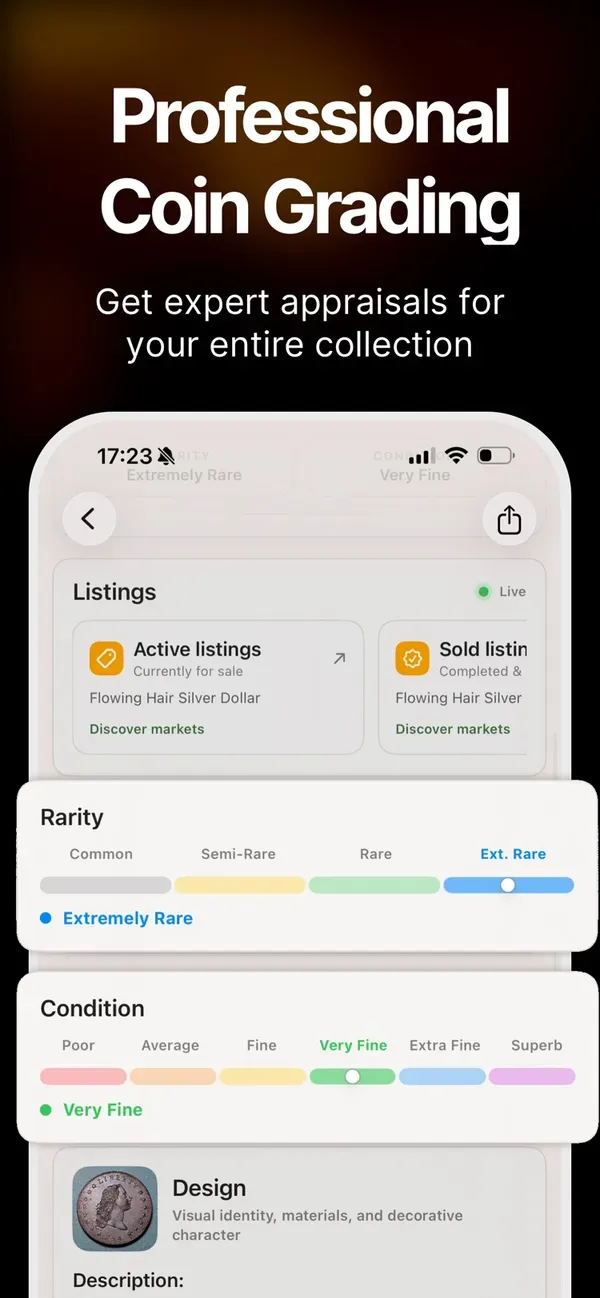
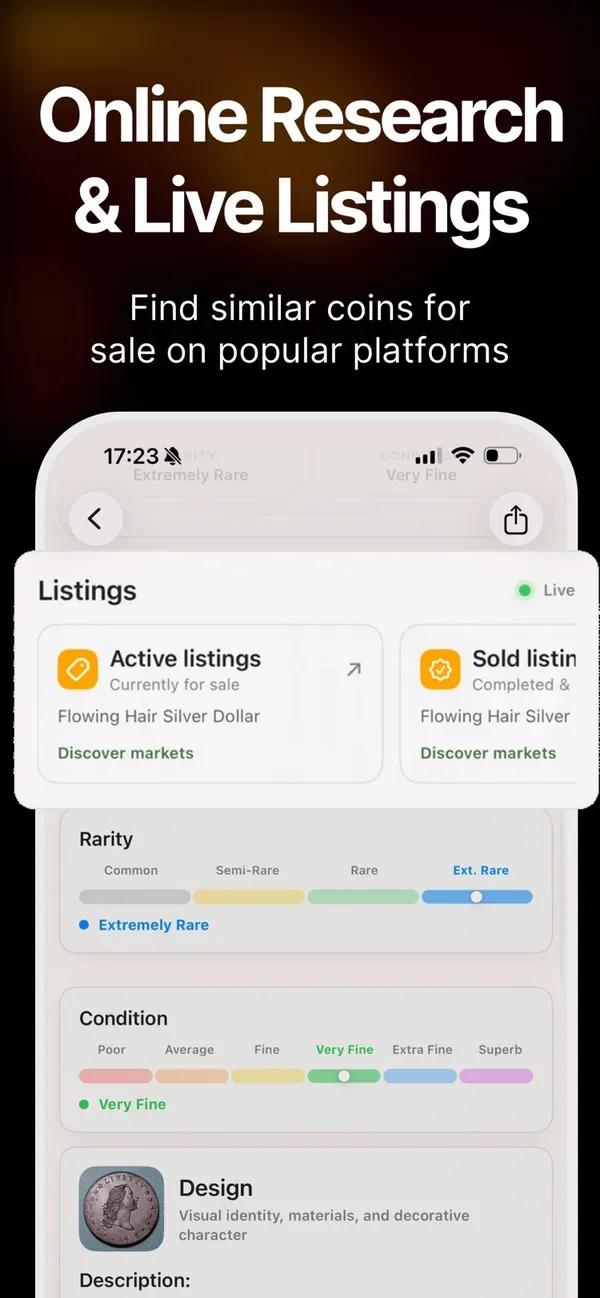
  • Real-Time Market Values: View current rarity scores and market valuations derived from active auctions and verified dealer listings.
  • Expert-Level Analysis: Detect die varieties, misprints, and high-value anomalies with confidence.
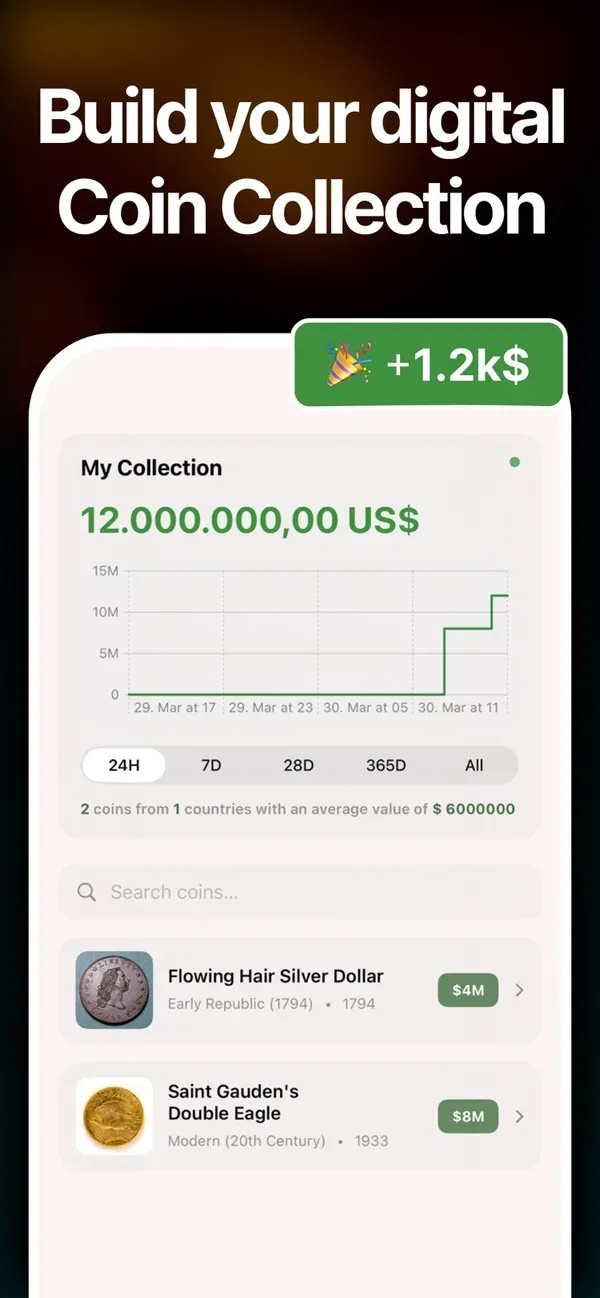
  • Smart Collection Manager: Build and organize your digital albums. Sort by series, face value, or market worth to see the total value of your portfolio.
  • Secure Cloud Sync: Never lose your data—your collection is safely backed up and accessible across all your devices.

Unlock Premium

Take your collection to the next level with WhatCoin Premium. Get full access to:
  • Unlimited collection slots.
  • Advanced grading reports.
  • Full historical price charts.
  • Priority support and exclusive insights.

Screenshots

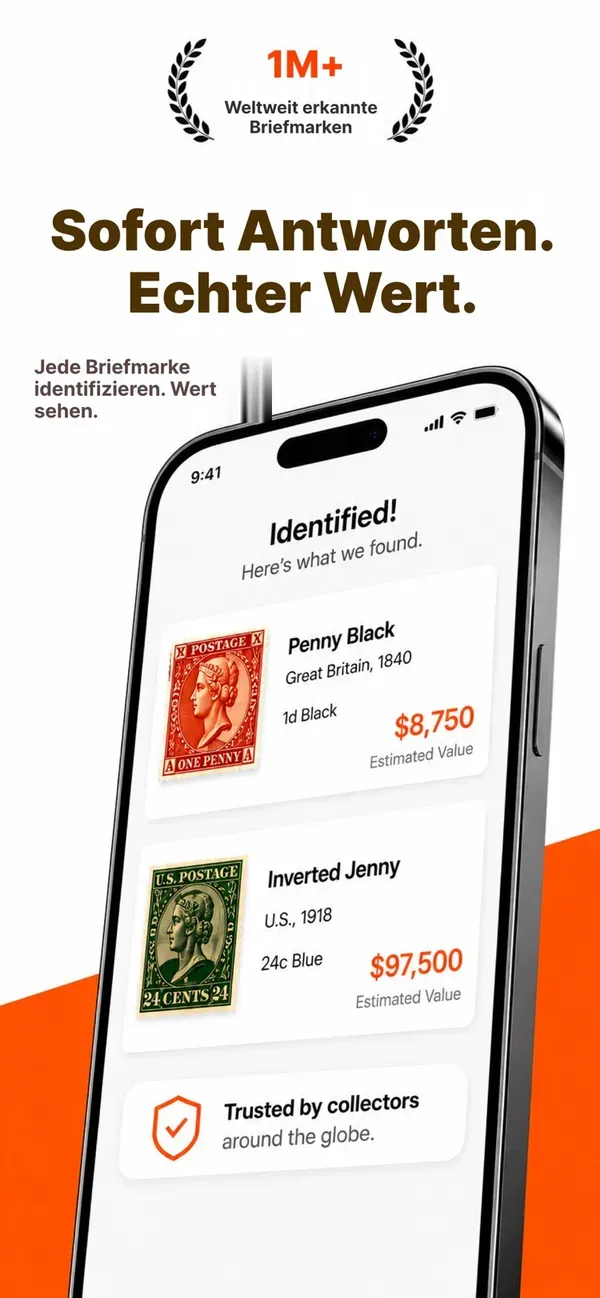
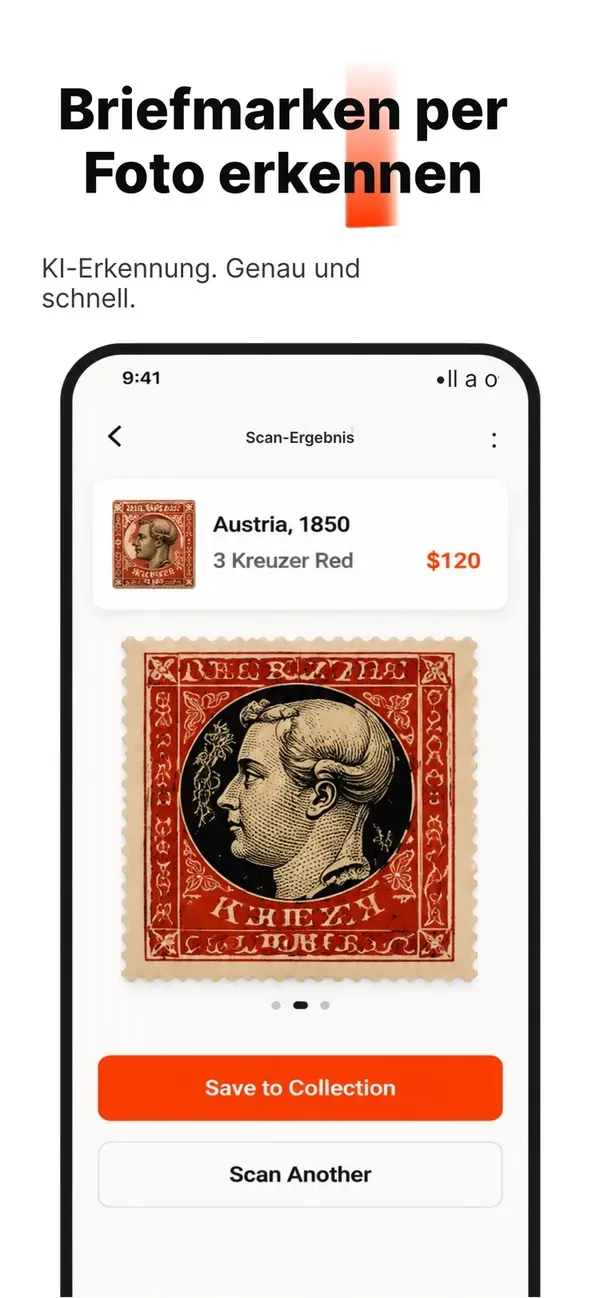
  • WhatCoin – Screenshot 1
  • WhatCoin – Screenshot 2
  • WhatCoin – Screenshot 3
  • WhatCoin – Screenshot 4
  • WhatCoin – Screenshot 5
Alle ansehen