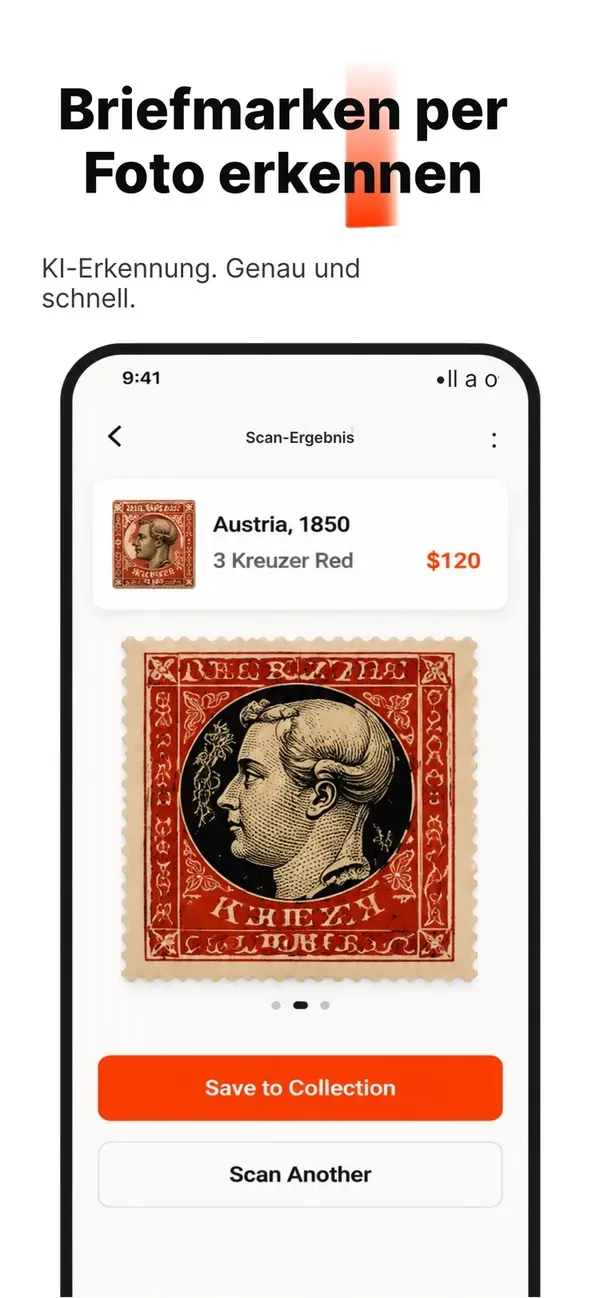
Apps
Stampy
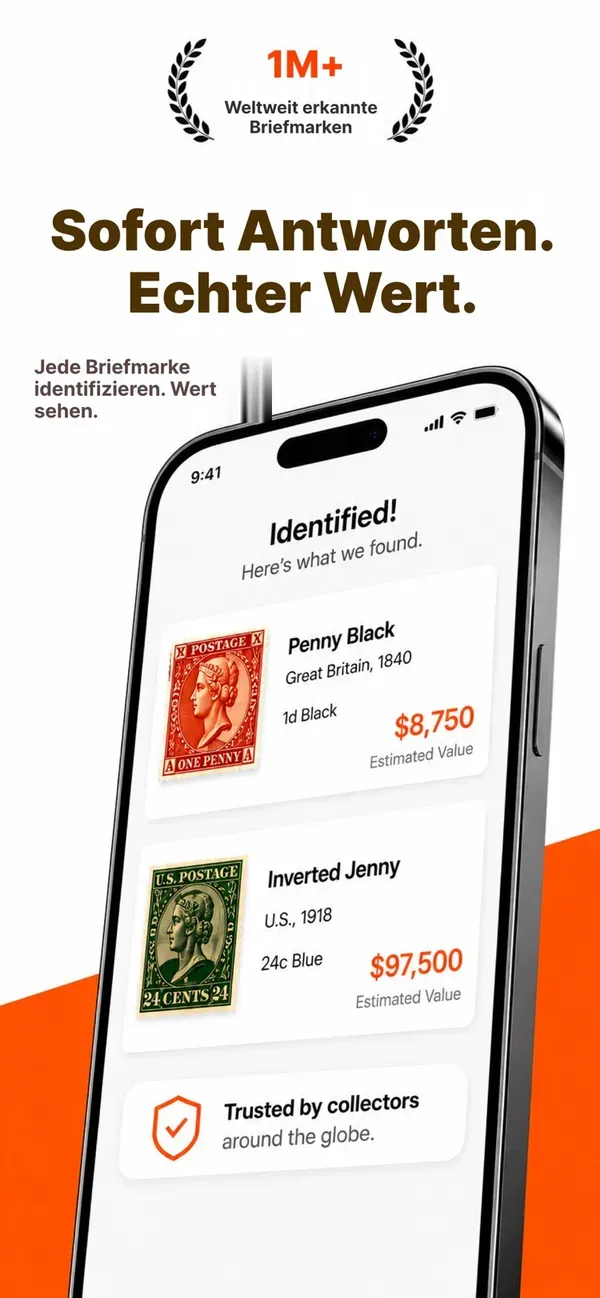
Verwandle dein Smartphone in einen Profi für Briefmarken.
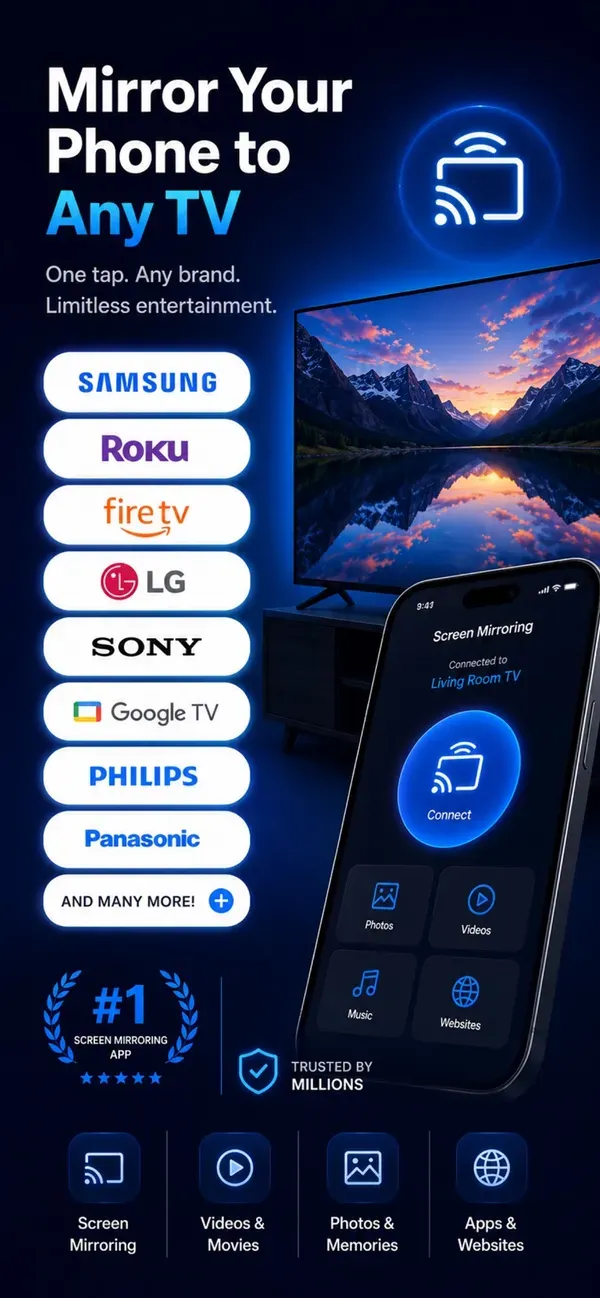
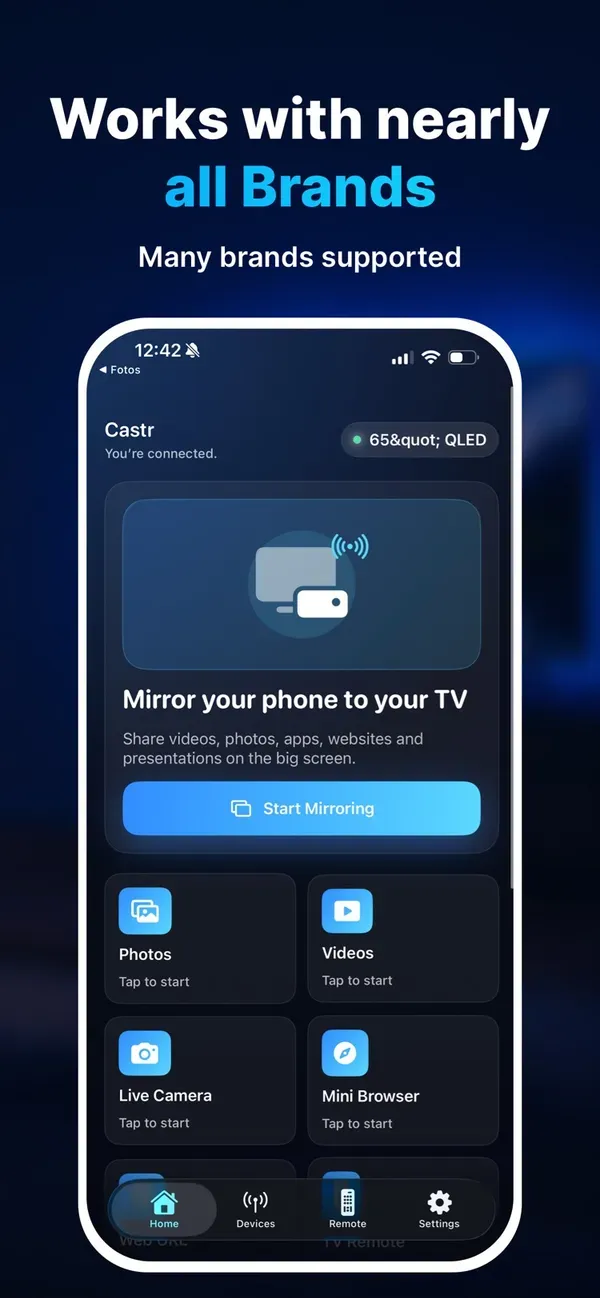
Castr makes it simple to share your screen, photos, videos, websites and more on the big screen. Whether you want to show family memories, stream a video, open a website, present documents or control your TV from your phone, Castr gives you a clean and easy way to connect.
No complicated setup. No extra cables. Just open the app, find your TV and start casting.
What you can do with Castr:
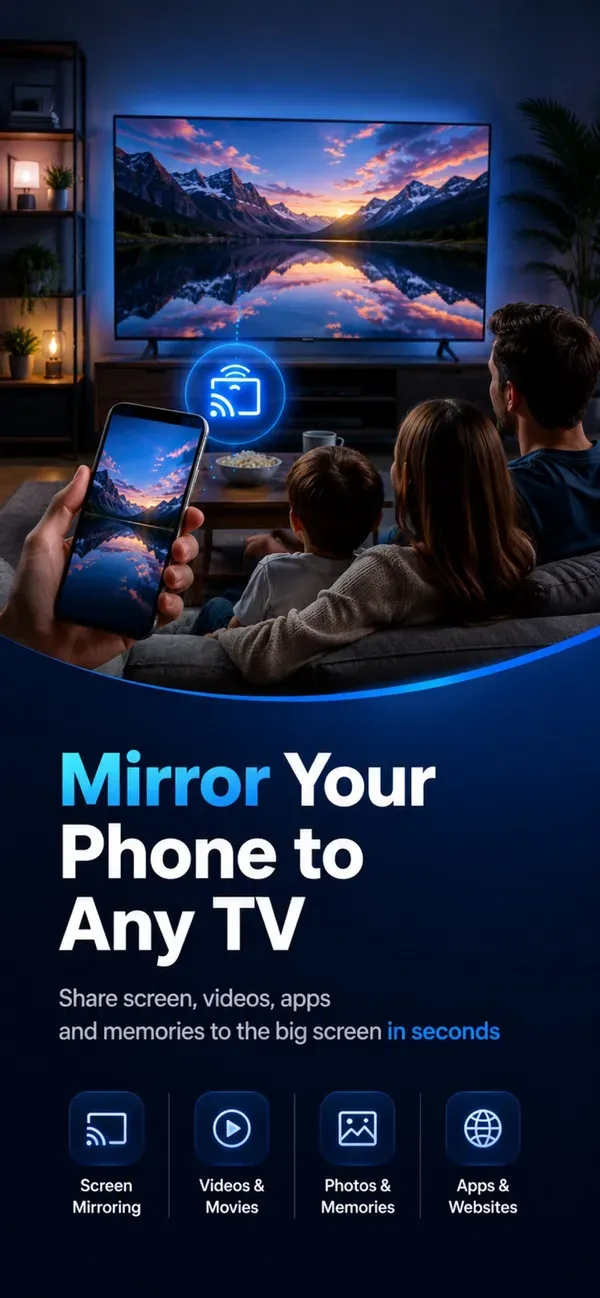
Mirror your iPhone screen to your TV and enjoy apps, websites, videos and memories on a larger display.
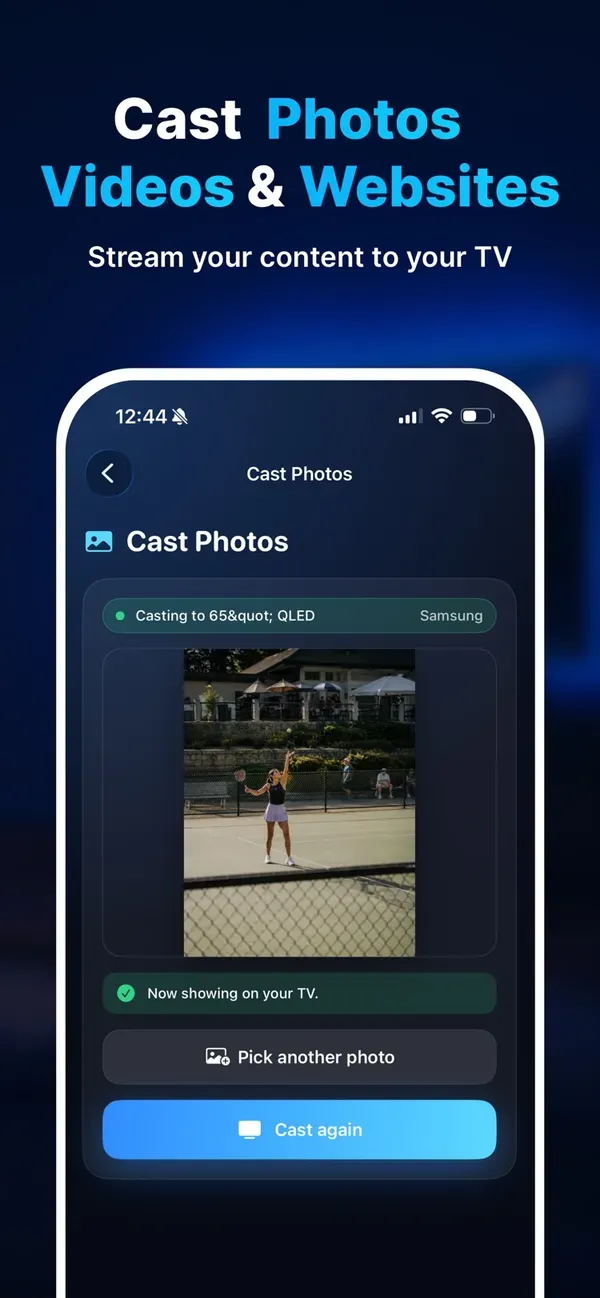
Share vacation pictures, family moments and special memories directly on the big screen.
Stream videos from your library and enjoy them comfortably on your TV.
Open websites, online videos and web content and send them to your TV.
Browse inside the app and cast what you find.
Show PDFs, presentations and slideshows on your TV.
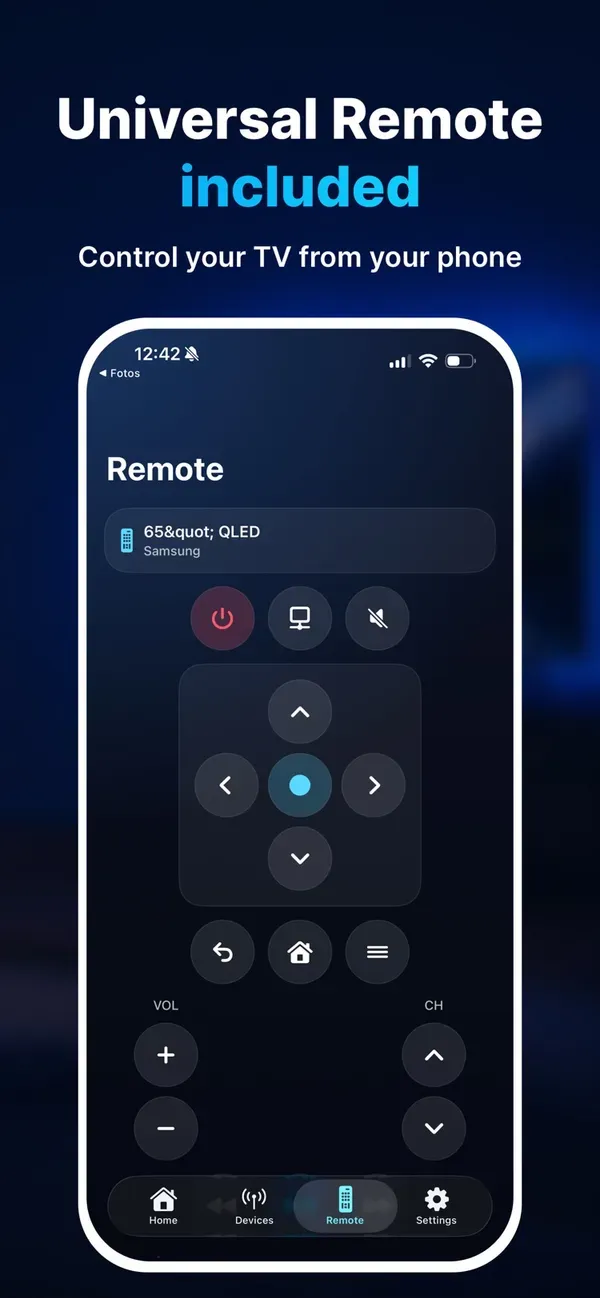
Use your phone as a clean remote control for connected TVs.
Scan your home network and find supported TVs quickly.
Enable larger controls for easier reach and more comfortable use.
Upgrade to Premium to unlock unlimited HD mirroring and casting.
This app is not affiliated with or endorsed by Samsung, LG, Roku, Google, Amazon, Apple or any other TV manufacturer. Compatibility and features may vary by device model, TV software and network setup.